How It Works

HOURCAR and Evie provide flexible carsharing across Minnesota. Using the app, grab an available car — or reserve one waiting for you at a dedicated spot.
Illustration of a circular arrow with the letter 'e' in the center, representing electronic or internet-based services.
Diagram showing a circular arrow around a lowercase 'e' with a small dot above the arrow, representing a process or cycle.
The logo for the develop loop platform, featuring a stylized arrow and the words 'evie LOOP' with 'evie' in green and 'LOOP' in blue.

One Network. Two Ways to Drive.

EPA logo with a green arrow encircling the letters 'EPA' and pointing to the right.
Hydrogen fuel icon with an H letter inside a green circle, surrounded by a blue circular arrow symbol.
Logo for Hourcar with a stylized outline of a car and the word 'HOURCAR' inside, with the 'HOUR' in green and 'CAR' in blue.

Our carshare network is structured around trip type.

In the app, you start by choosing between:
Car icon with a dashed arrow pointing to a location pin icon, indicating driving directions or navigation.

Free-Float

Evie

A glass of whiskey with large ice cubes and a lemon twist on a wooden coaster
A silhouette of a person climbing Hill on a mountain at sunset.

Ideal for flexible, point-to-point travel. Pay only for the time you use.

Locate an available Evie vehicle, start your trip, and end it inside the Home Area.
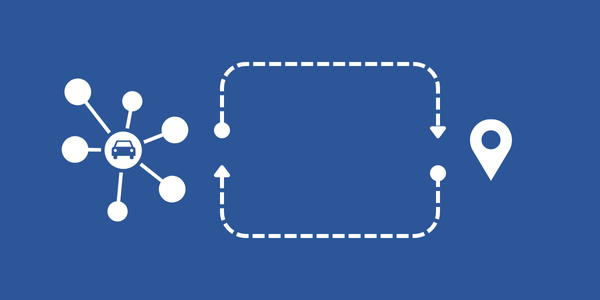
Diagram showing a connected car icon with surrounding nodes, an arrow pointing upward, a dashed route line with a turn, and a location pin on the right.

Hub-Based

HOURCAR & Evie Loop

A high-heeled shoe with metallic gold accents and a pointed toe.
A coffee cup with a latte art design on top, placed on a saucer with a spoon, on a wooden table.

Designed for planned travel where you return to the same location.

Reserve a vehicle for a set window and return it to the same hub or station.

After selecting your trip type, you will see every available vehicle for your trip.

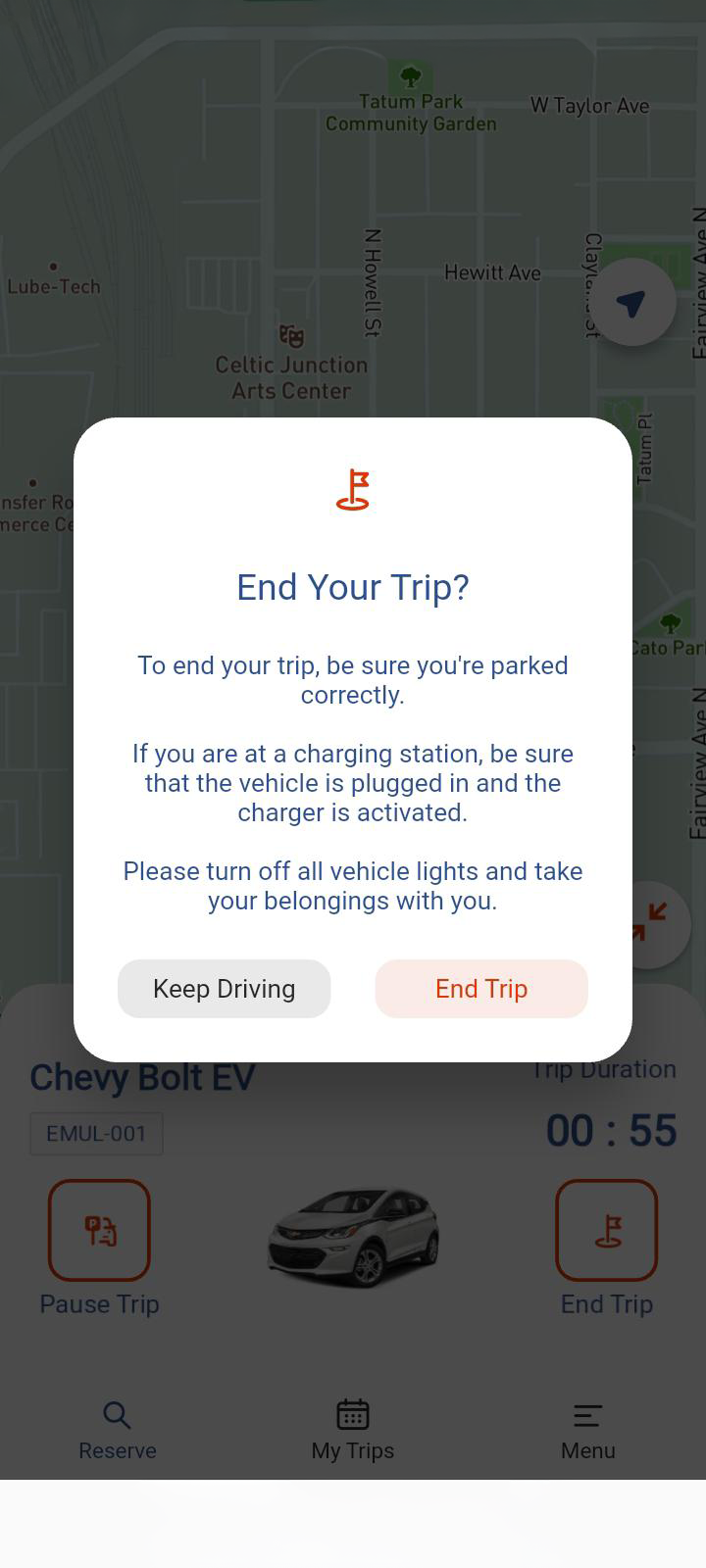
A mobile app screen with a map showing streets and parks, overlaid with a pop-up window asking 'End Your Trip?' with options to keep driving or end trip, and instructions for parking and turning off vehicle lights.
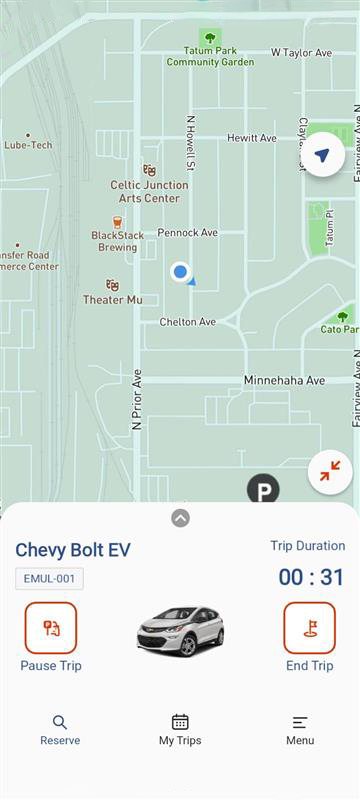
Map showing locations such as Tatum Park Community Garden, Celtic Junction Arts Center, BlackStack Brewing, Theater Mu, and Cato Park. The map features streets like W. Taylor Ave, Hewitt Ave, and Minnehaha Ave. The EV navigation app displays a Chevrolet Bolt EV with trip time of 31 seconds.
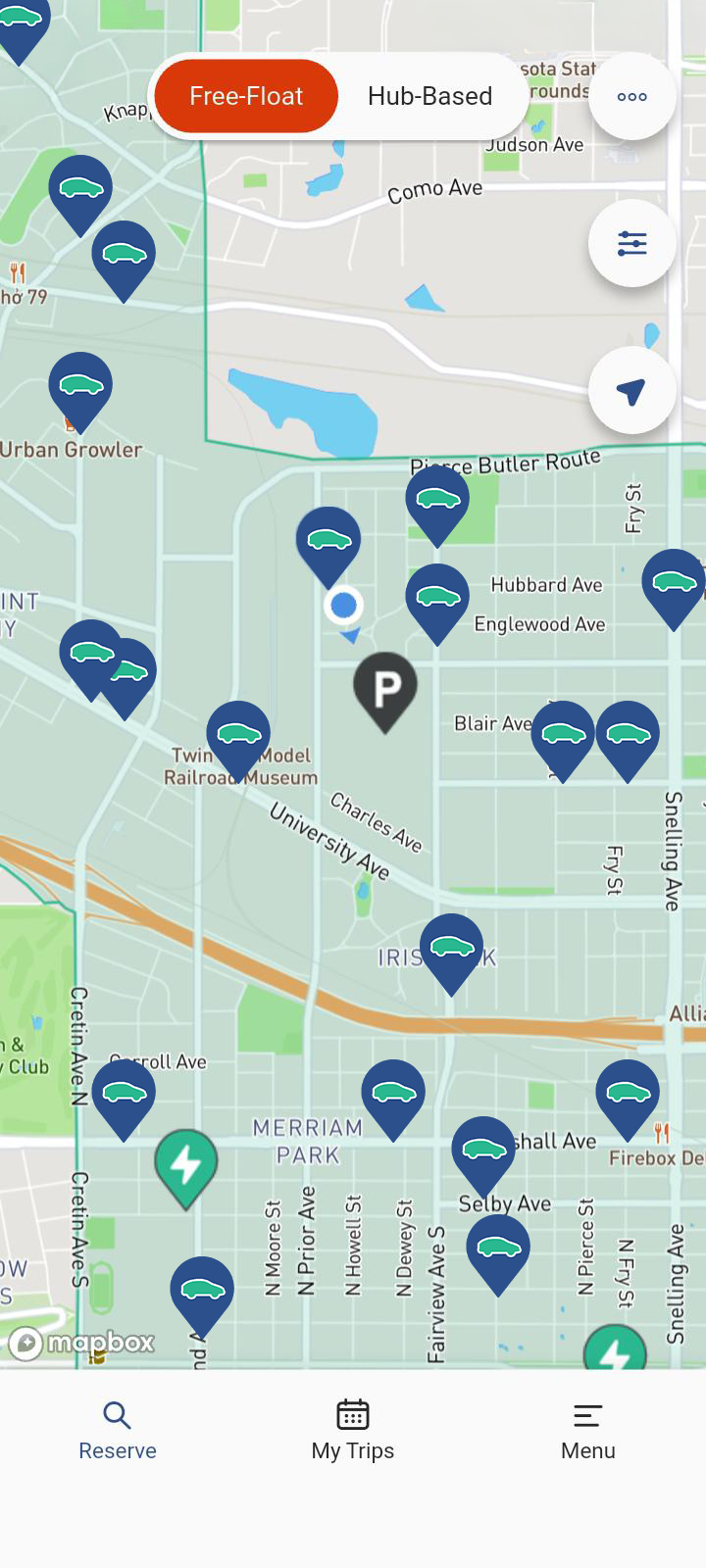
Map showing locations of parked electric vehicles in a city, with options for different charging modes at the top.
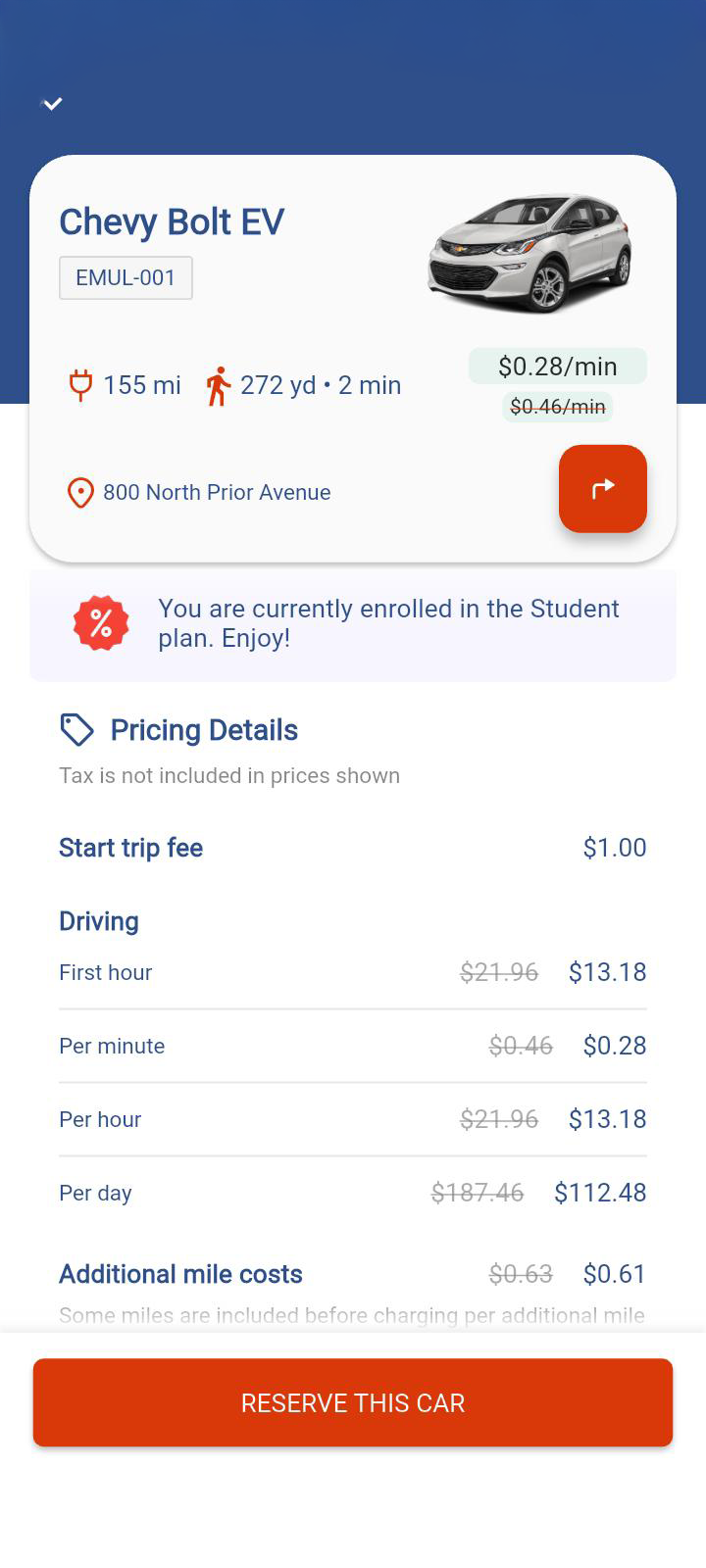
A ride-sharing app screen showing a Chevy Bolt EV for reservation, with details about pricing, location at 800 North Prior Avenue, and options for driving costs and additional mile charges.

Prerequisites:

Starting Your Journey
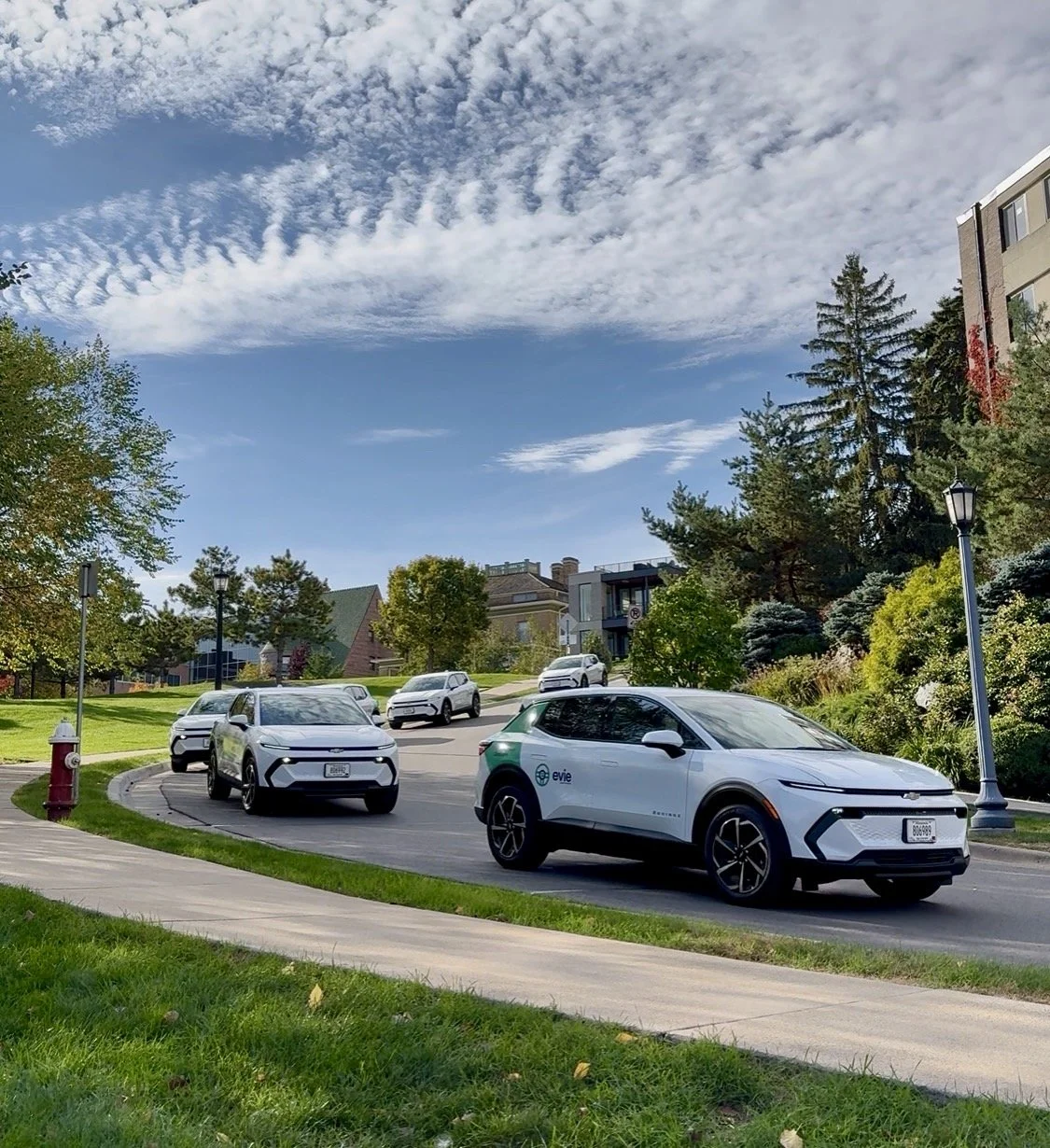
A line of five white electric vehicles driving along a curved street in a residential neighborhood, with houses, trees, and a partly cloudy sky in the background.

Search

Find nearby cars in the app—choose a free-float trip for quick drives that end in the home area or a hub-based car for errands and planned outings. We've also added a radar feature that alerts you when a car near you is available.
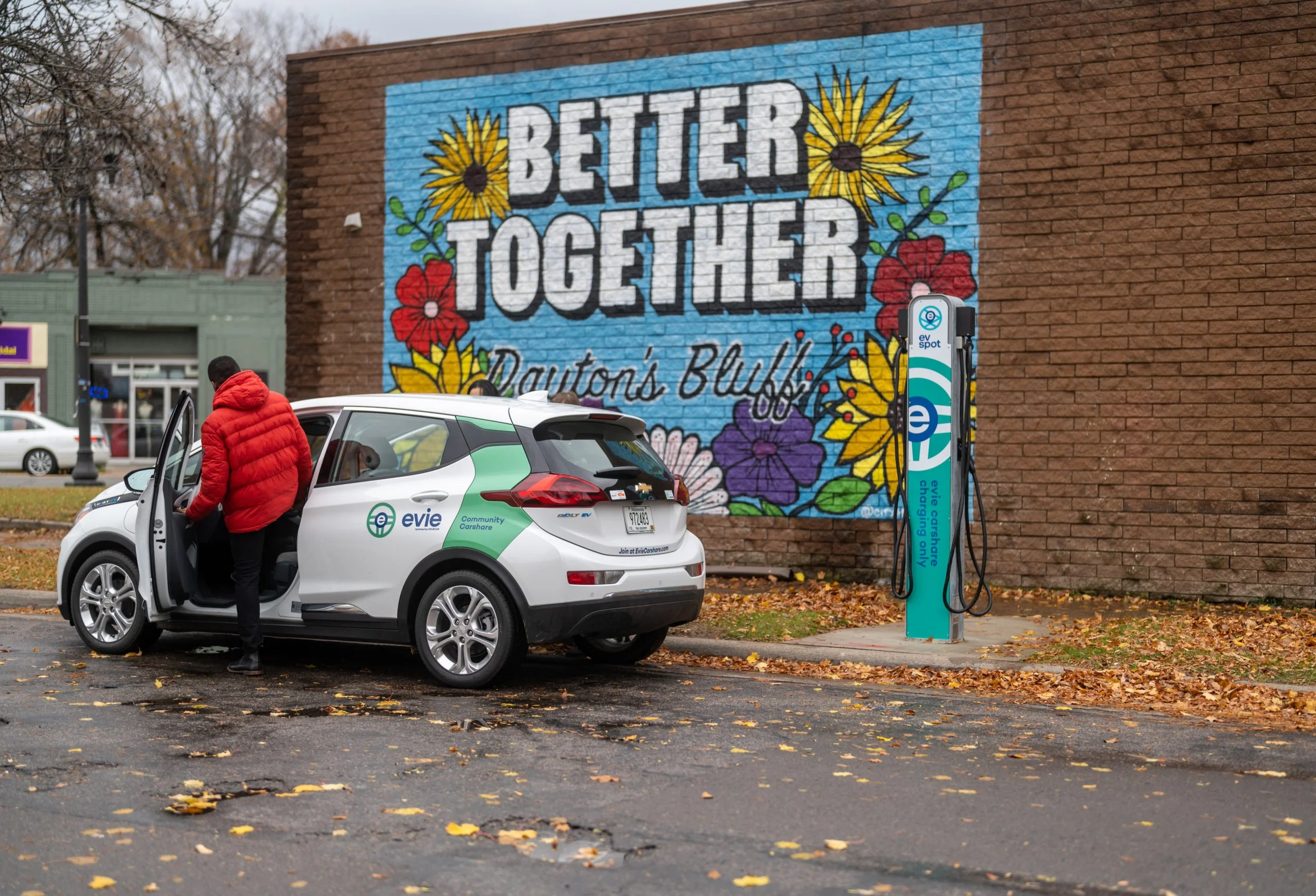
Person in a red jacket getting into an electric vehicle charging station near a brick wall with a colorful mural reading "Better Together".

Book

Reserve a free-float car for up to 15 minutes before you go, or schedule a hub-based car ahead of time (up to 6 months in advance).
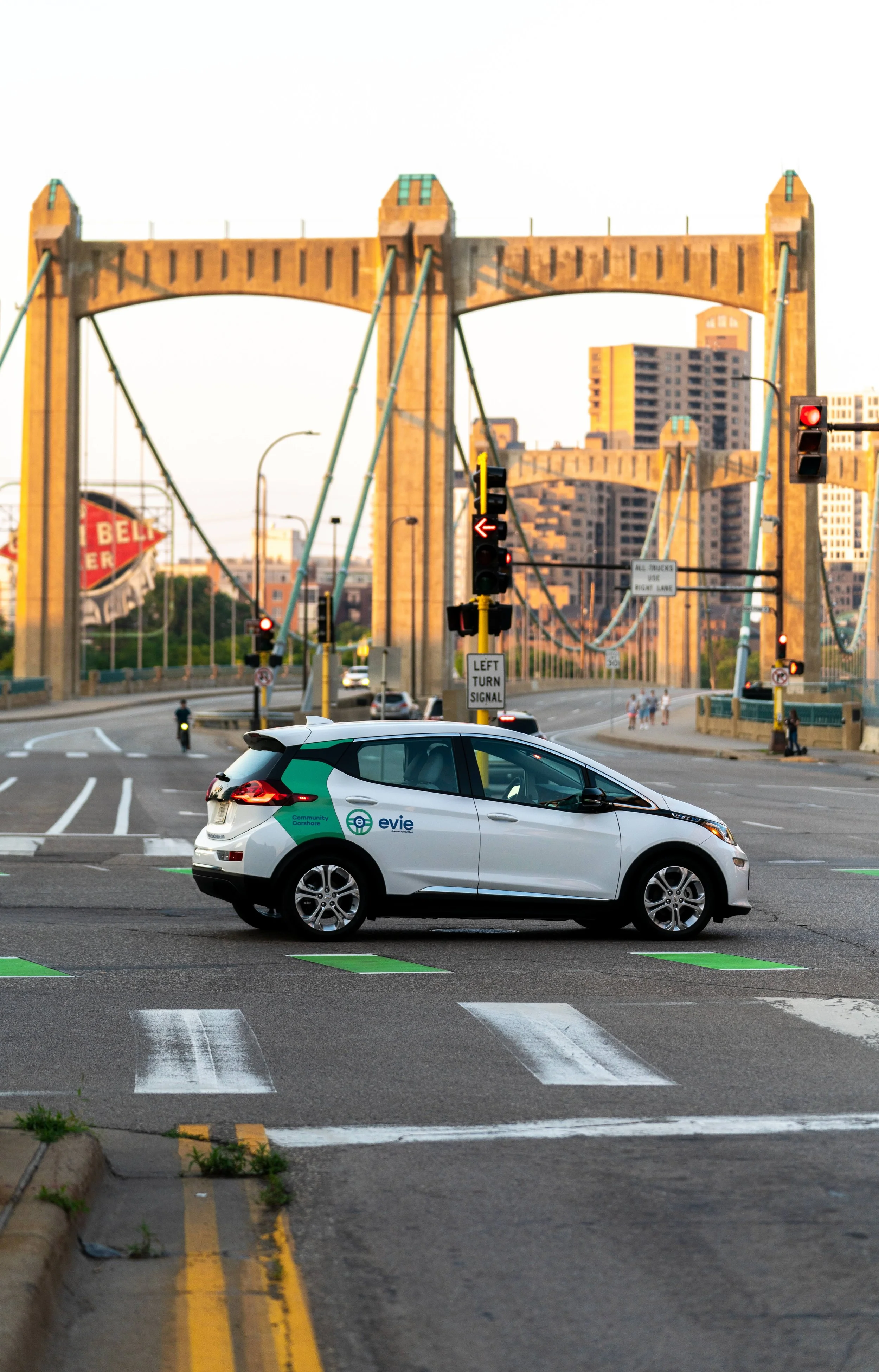
An electric vehicle with 'evie' branding is stopped at a traffic light on a city street with a bridge and tall buildings in the background.

Drive

Go where you want! In free-float vehicles, park at approved on-street parking in the Home Area and park for free at Minneapolis or Saint Paul meters. Read more
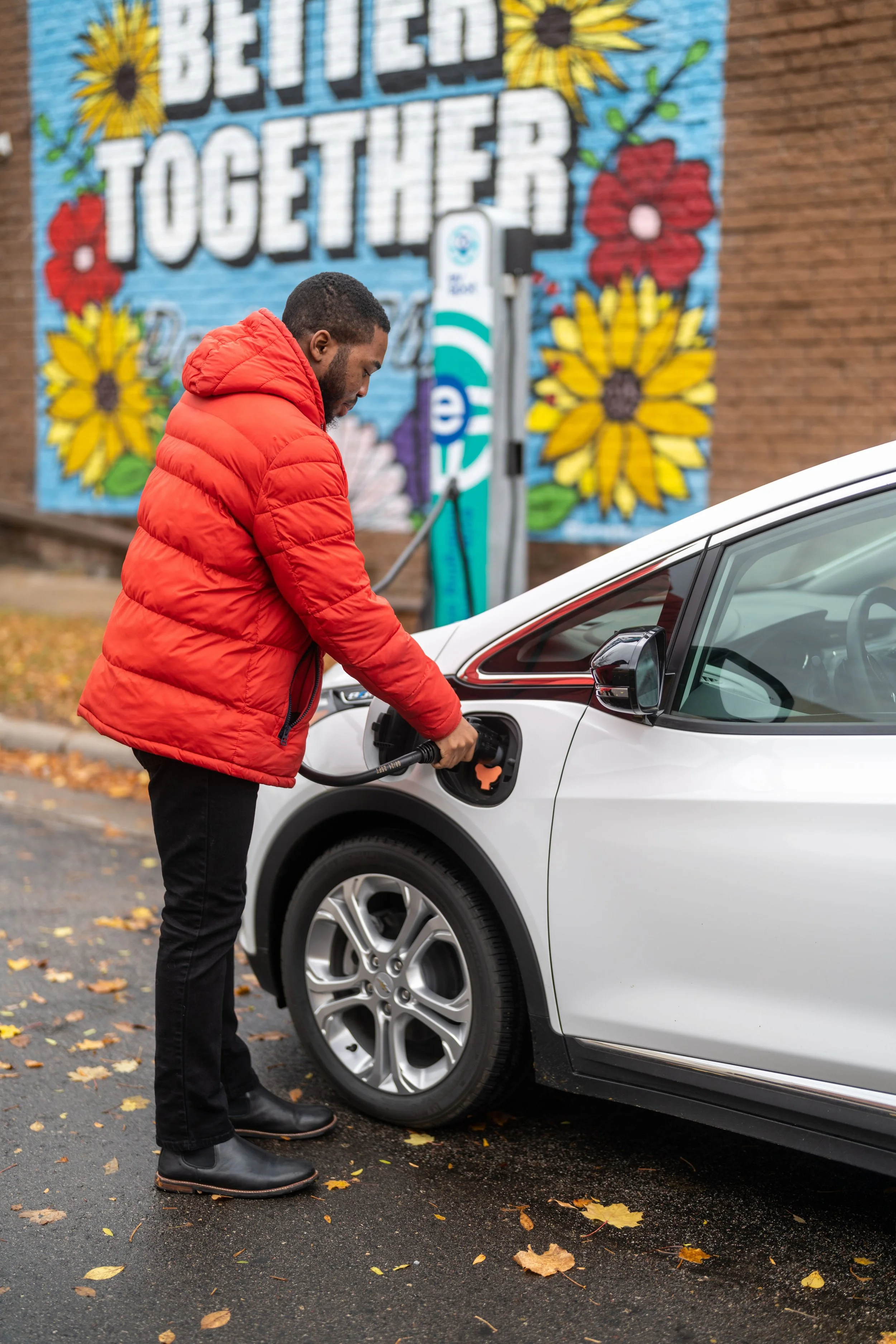
A man in a red puffer jacket refueling a white electric car with an electric charging cable at a public charging station. There is a colorful mural with flowers and the words 'Better Together' in the background.

Park/Return

End within the Home Area for free-float trips as long as it follows our rules. Return to your starting hub for hub-based bookings.

Get to Know the Pricing

See what each trip type costs and how to save.

View Locations & Range

Find where you can go.

Don’t have a smartphone?

Learn more about using your Go-To Card.

Still have questions? Check out our detailed Member Handbook or visit our support page.